
Download MoorHunt – file sharing, P2M technology, email integration, fast downloads, secure file transfer
Overview
MoorHunt is a productivity-focused mobile application designed to streamline file sharing through an innovative use of P2M (Peer-to-Machine) technology. The app enables users to send and receive files via email without relying on traditional cloud storage or third-party platforms. By leveraging email integration, MoorHunt allows individuals and professionals to share documents, photos, and other digital content with minimal friction. The core purpose of the app is to eliminate the complexity of account creation, password management, and file size limitations often associated with conventional sharing methods.
Target users include remote workers, freelancers, educators, and anyone who frequently exchanges files across devices or with colleagues. The app’s reliance on email as a transmission channel makes it accessible to users across varying technical skill levels. Real-world use cases include sending large project files to clients, sharing classroom materials with students, or forwarding personal media without needing to attach files directly to emails.
Although the developer did not provide additional background on MoorHunt’s origins, the app’s release date of October 28, 2008, indicates it has been in the mobile ecosystem for over a decade. This longevity suggests a stable foundation, though no performance or user engagement data was shared. MoorHunt remains a niche yet practical solution in the file-sharing landscape, offering a lightweight alternative to mainstream tools.
Key Features & Functionality
- Easy File Uploads: Users can initiate file transfers by entering an email address and selecting a file. The app handles the upload process in the background, requiring no manual configuration or login steps.
- Fast Download Speeds: Once a file is uploaded, MoorHunt generates a unique hash that enables rapid retrieval. Users can paste the hash into the app to begin downloading immediately, reducing wait times significantly.
- Email Integration: The app uses email accounts as the primary communication channel for file sharing. This eliminates the need for separate accounts or app-specific credentials, simplifying the user experience.
- Hash Generation: During upload, MoorHunt automatically creates a secure hash key. This key acts as a unique identifier for the file, ensuring only authorized recipients can access it.
- P2M Technology Advantage: By utilizing P2M technology, MoorHunt facilitates direct, high-speed file transfers between devices. This approach enhances efficiency and reduces dependency on centralized servers.
For example, a freelance designer can send a high-resolution image to a client by entering their email, uploading the file, and sharing the generated hash. The client can then download the file instantly using the hash, bypassing email attachment limits. This workflow proves especially valuable in time-sensitive scenarios where speed and reliability are critical.
Interface, UX & Performance
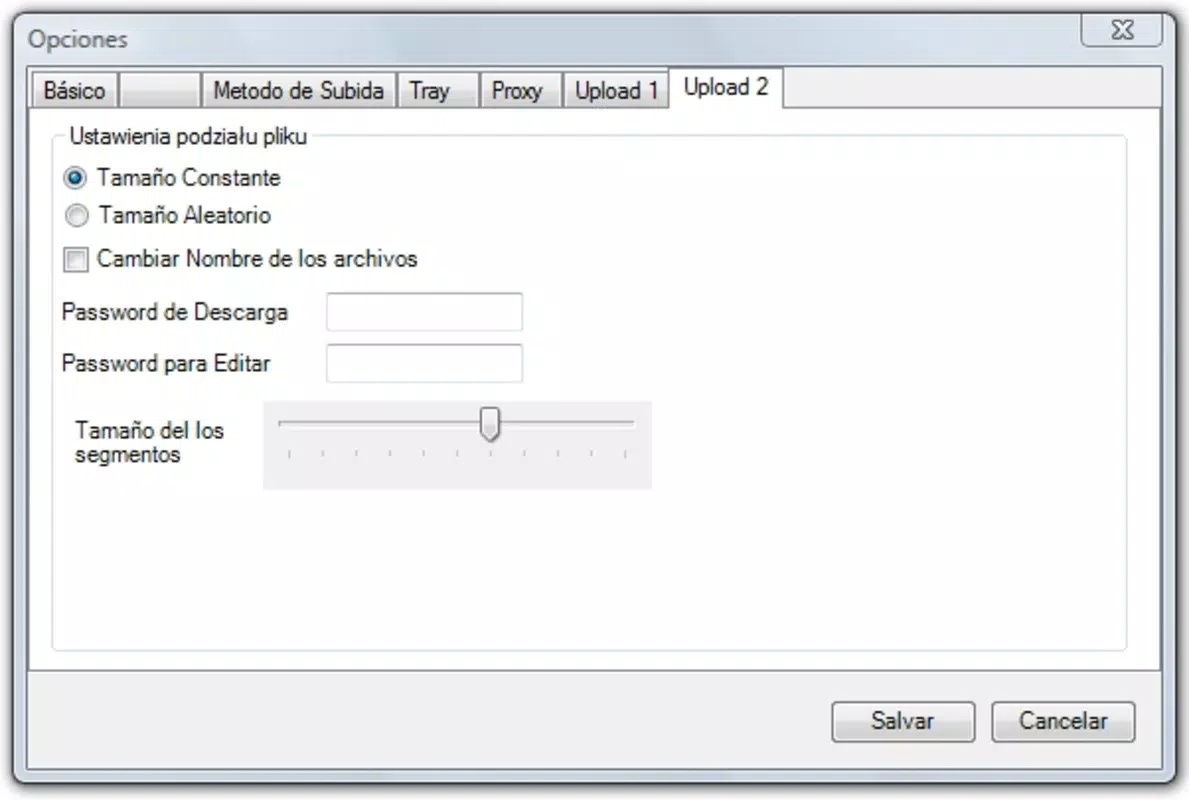
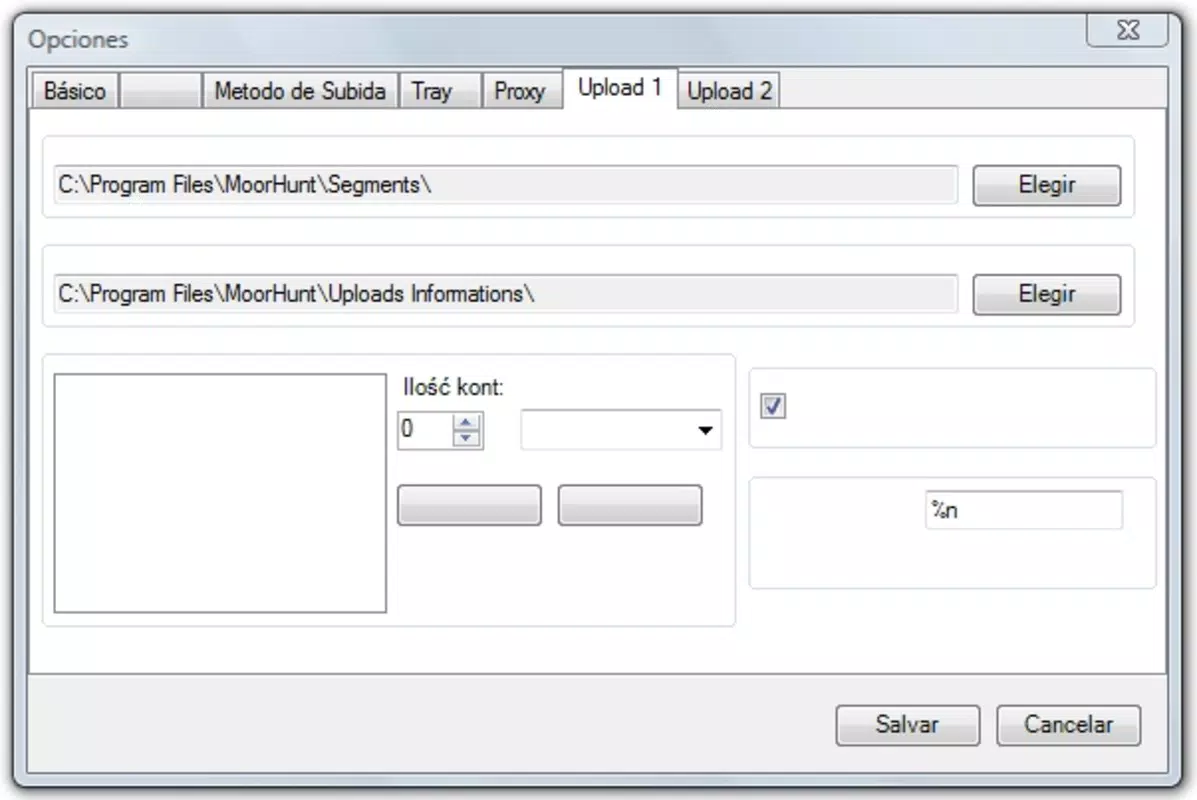
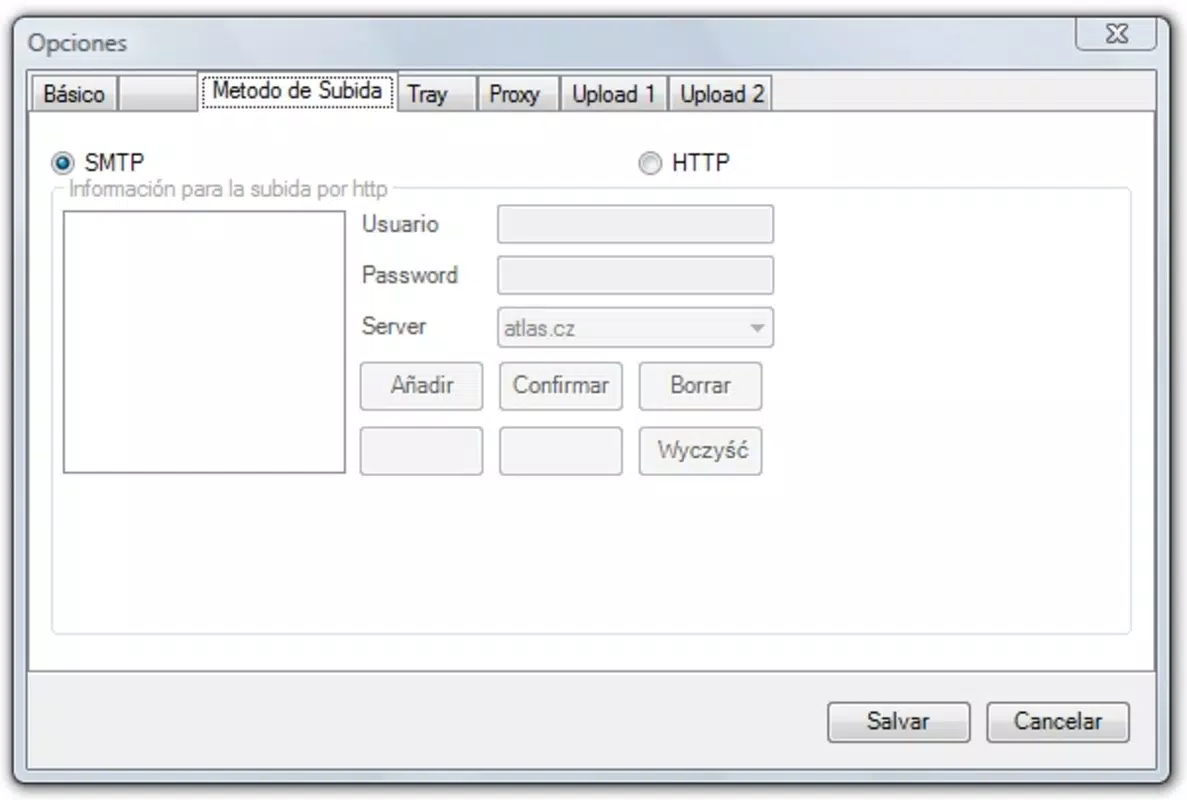
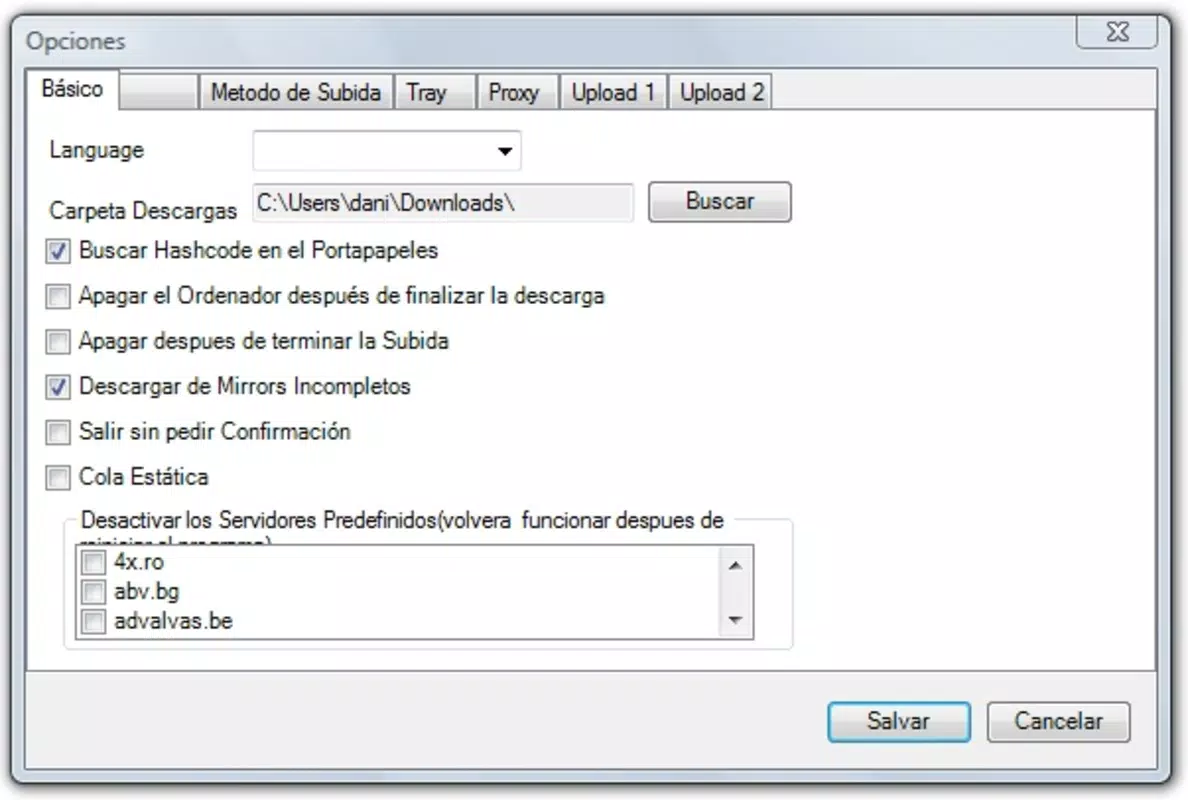
The user interface of MoorHunt appears to be designed with simplicity and efficiency in mind. The app likely features a clean layout with minimal navigation steps, allowing users to upload files and generate hashes with just a few taps. Visual cues such as progress indicators and confirmation messages may guide users through each stage of the transfer process.
Navigation flow is expected to be linear: upload → generate hash → share via email → download using hash. This streamlined approach supports a low learning curve, making the app accessible even to users with limited technical experience. The interface likely prioritizes functionality over decorative elements, aligning with its productivity-focused category.
Although the developer did not list formal performance metrics, the app’s reliance on P2M technology suggests optimized data handling. Users can expect responsive interactions during file upload and download, particularly on devices with stable internet connections. Stability across different Android device categories—such as budget smartphones, mid-range models, and high-end devices—was not specified, but the lightweight size of 12.5 MB indicates efficient resource usage.
Platform Compatibility & Technical Requirements
MoorHunt is available exclusively on the Android platform. The current version is 1.0, with a file size of 12.5 MB, making it a lightweight application suitable for devices with limited storage capacity. The app is offered free of charge, which enhances its accessibility across a broad user base.
Specific operating system requirements were not listed by the developer. As such, compatibility with older or newer Android versions cannot be confirmed. The developer did not specify minimum OS requirements, nor did they indicate support for tablet devices or other form factors. Users should exercise caution when installing on older systems, as the app’s age may affect performance or security on modern devices.
Pros and Cons
Pros
- Simple, email-based file sharing without account creation
- Fast download speeds via P2M technology
- Secure file transfer using automatic hash generation
- Lightweight size (12.5 MB) suitable for low-storage devices
- Free to download and use
Cons
- Platform limited to Android only
- No information on minimum OS version or device compatibility
- Developer did not provide updates or changelog details
- Limited visual feedback or customization options
- Age of the app raises potential concerns about modern security standards
FAQ
Is MoorHunt safe to use for file sharing?
Yes, the app uses hash-based access and P2M technology to secure file transfers. However, since the developer did not disclose specific encryption methods or privacy policies, users should exercise caution when sharing sensitive data.
Can I use MoorHunt on iOS devices?
No, the app is currently available only on Android. There is no indication of iOS support in the provided information.
Do I need to create an account to use MoorHunt?
No, the app does not require registration. File sharing is managed entirely through email and hash keys.
How do I download a file using the hash?
After receiving the hash from the sender, open the app, paste the hash into the designated field, and initiate the download. The file will be retrieved directly from the P2M network.
Is MoorHunt regularly updated?
The developer did not provide information on update frequency. The app’s version is listed as 1.0, which may suggest limited or no active development.
Final Thoughts
MoorHunt offers a refreshingly simple approach to file sharing by combining email integration with P2M technology. Its lightweight design, fast download speeds, and no-account-required model make it a compelling choice for users seeking a hassle-free alternative to traditional cloud-based tools. While its age and lack of detailed technical disclosures raise some concerns, the app remains functional and relevant for basic file exchange needs.
Professionals who frequently send large files, educators, and casual users looking for a secure, no-frills transfer method will benefit most from MoorHunt. For those who value speed, simplicity, and privacy in file sharing, this app delivers a solid value proposition.
Download MoorHunt now


